Overview
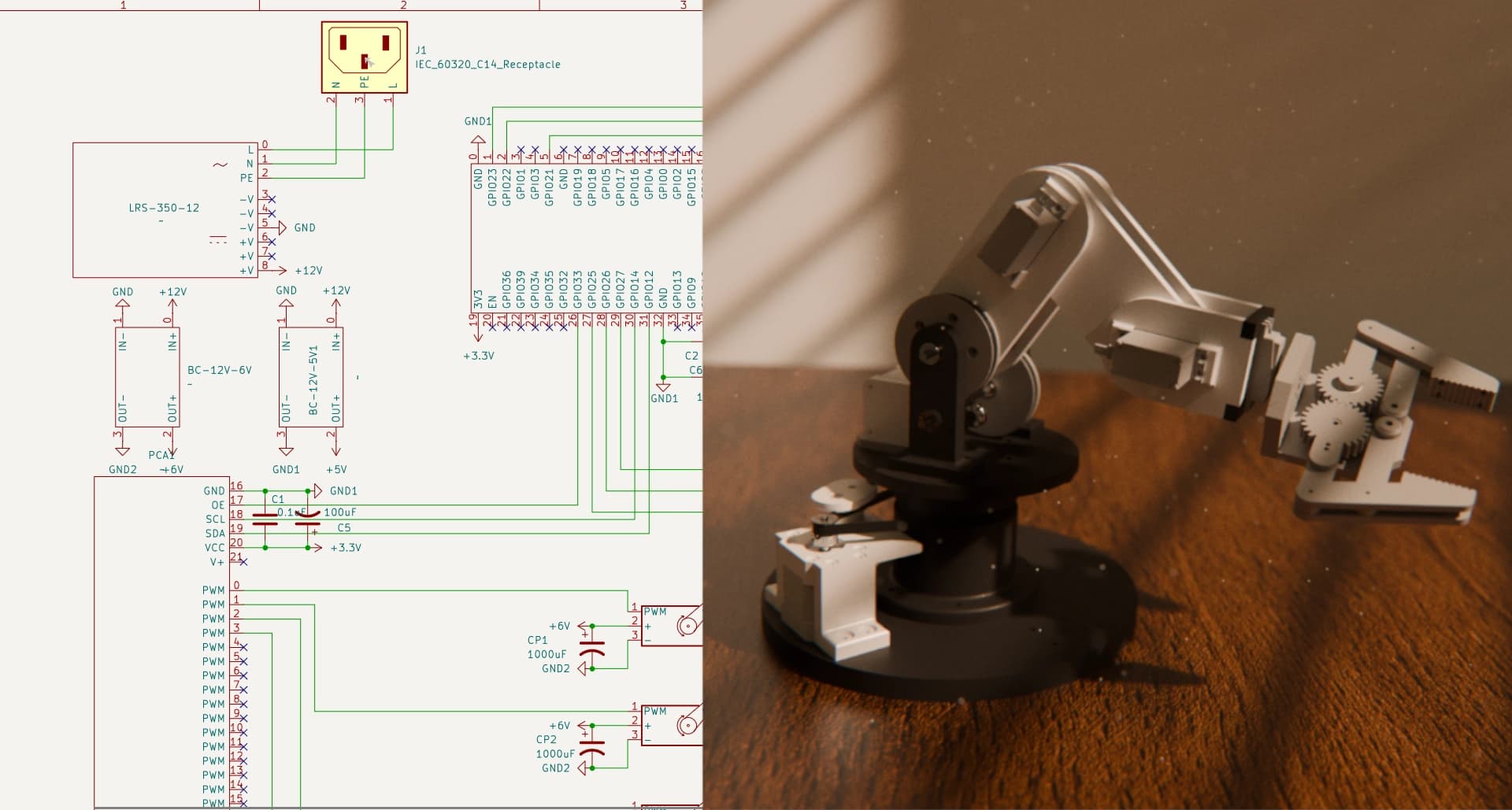
A project I worked on over the summer was learning how to build a robot arm. I entered the project not really knowing much and never really doing anything at this sort of level. To really get the full experience, I designed the whole arm in Fusion360, printed the parts on a Bambu Lab A1, designed the control circuit in KiCad, soldered the electronics onto perfboards, and programmed the controls in C++.
Contents
The project has been broken into these main sections:
If there's any other info you need (items ordered, CAD files, tools used, etc.), do not hesitate to reach out. @joshtreid08@gmail.com
The CAD
All of the CAD was done in Fusion360. Having never really done this before, this was a huge learning process. Many hours were spent starting at a blank screen, unsure of where to even start. I watched builds of other designs step-by-step to get as much of an idea as possible, but I wanted to avoid using any pre-made CAD designs.
Base
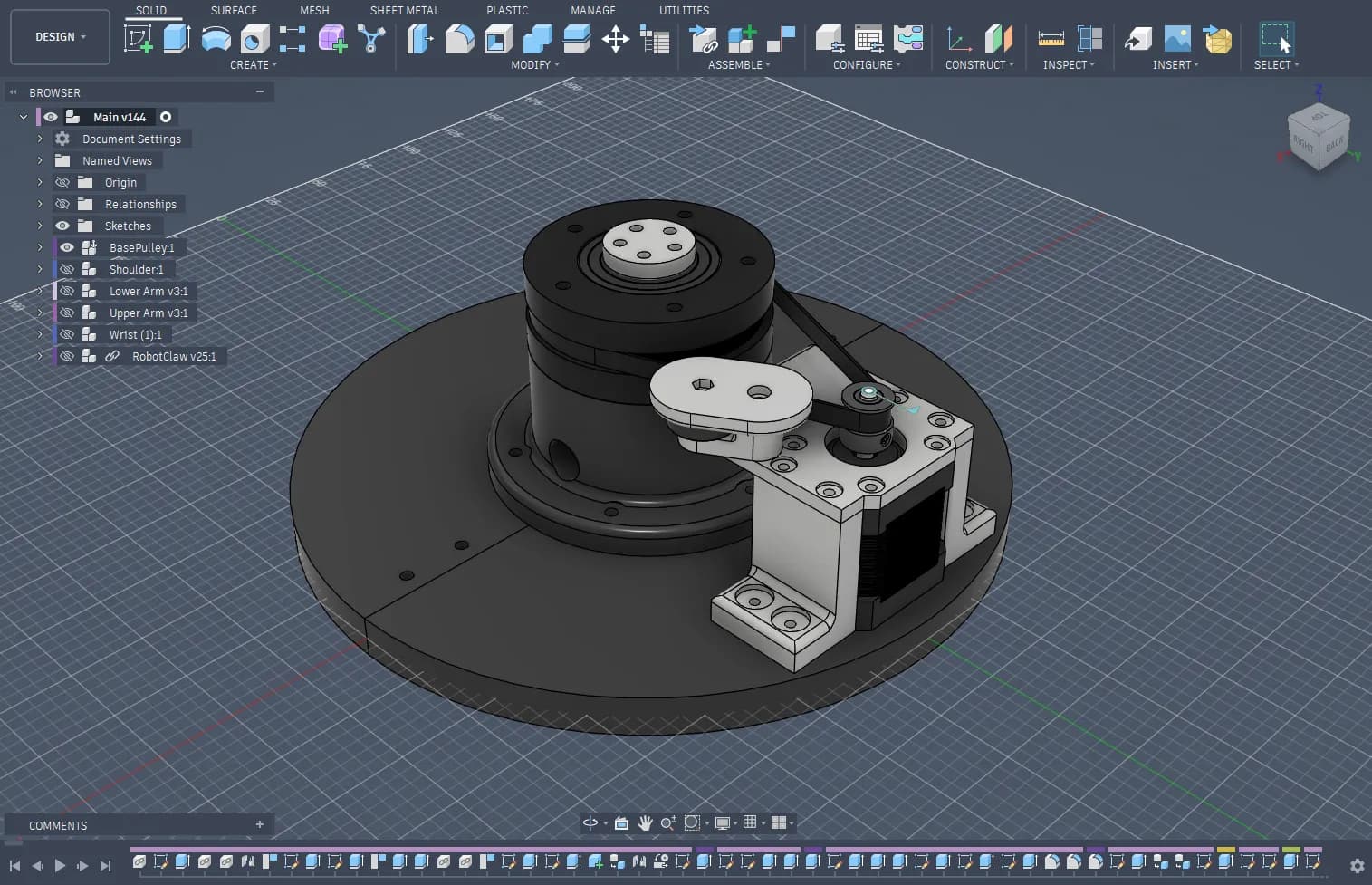
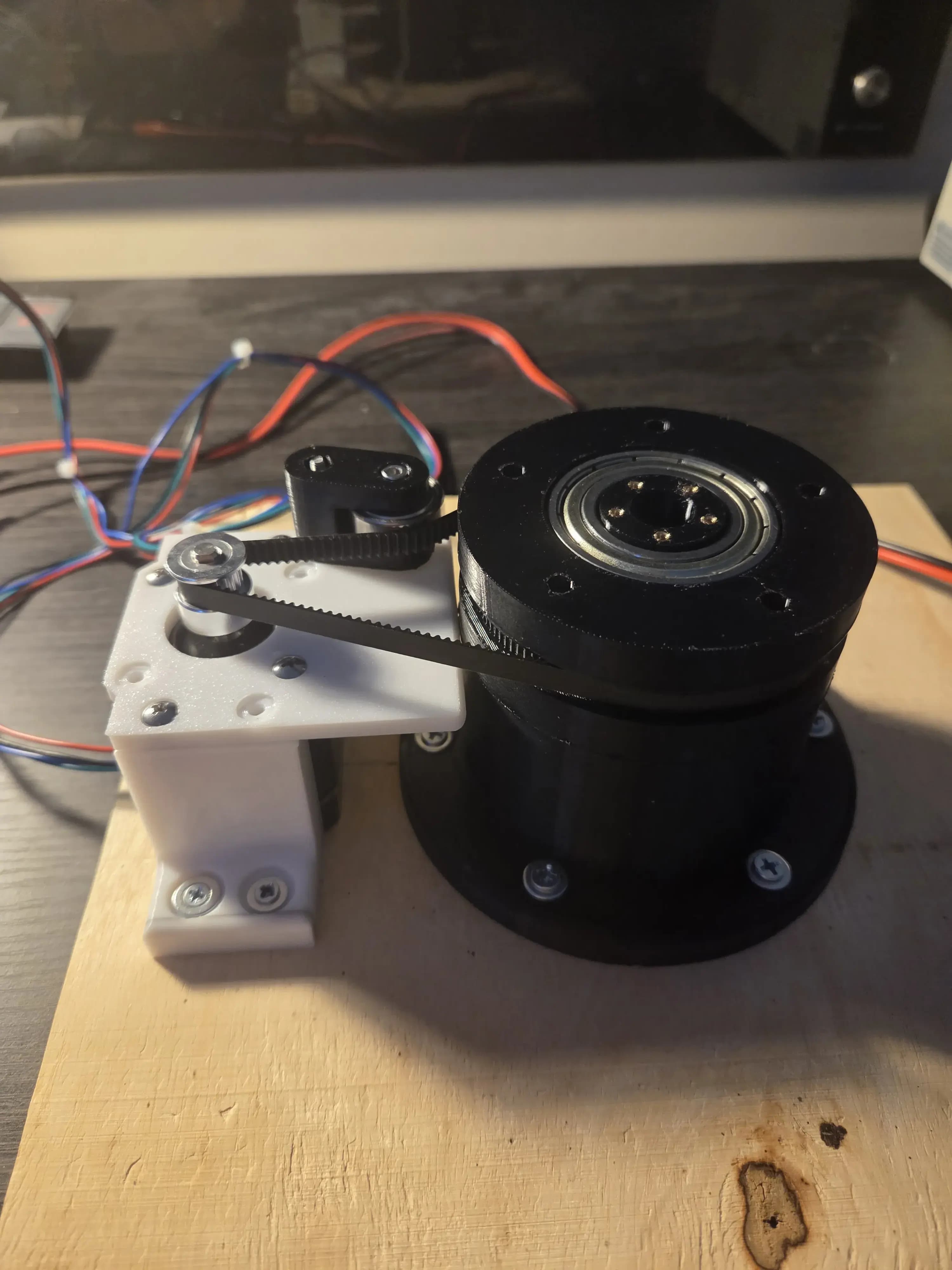
The first part designed was the base. It consists mainly of a large 120T pulley driven by a 20T pulley on a stepper motor. A ball bearing is pressed against the belt to apply tension. Down the center of the base is a hole to run wires through. It is covered by a cap in the screenshot, but that's not part of the final design.
Shoulder
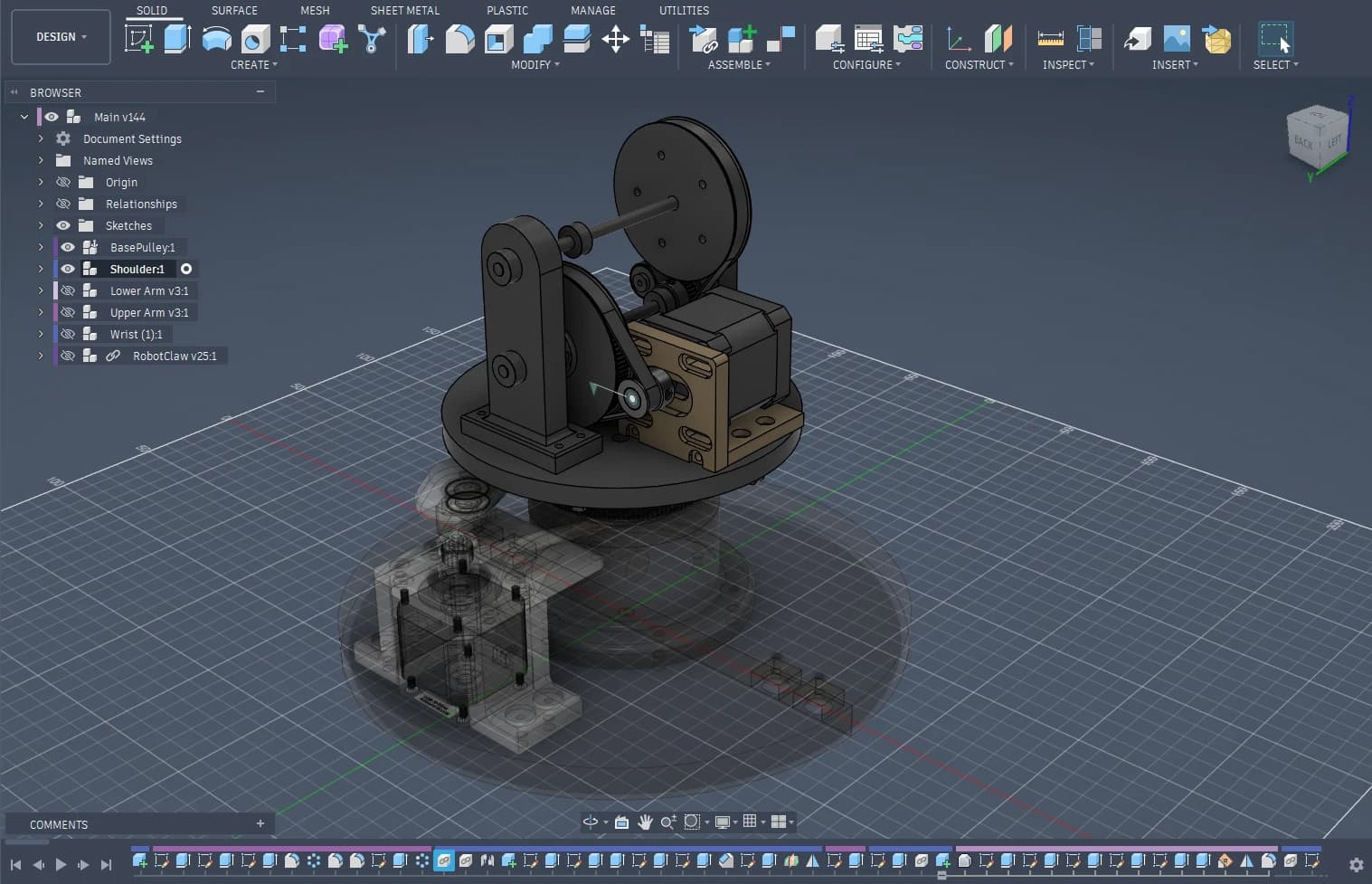
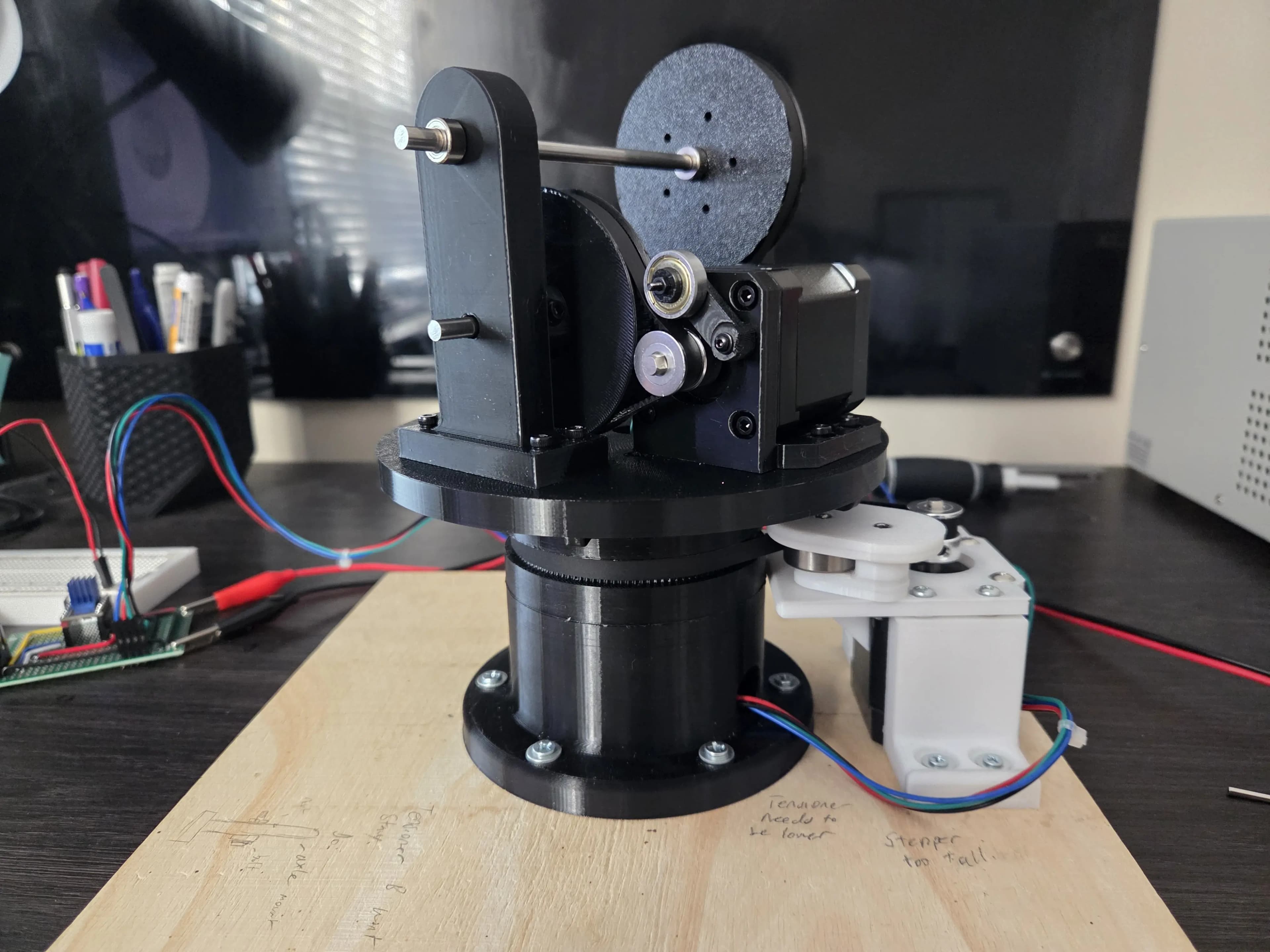
The next part is the shoulder joint. The shoulder joint consists of a 20T driving a 100T pulley. The 100T pulley sits on a shaft with another 20T pulley, which drives another 100T pulley, giving an overall 25:1 gear ratio. To tension the belts, the stepper can move horizontally, and the other belt is tensioned by a small ball bearing.
Arm Links
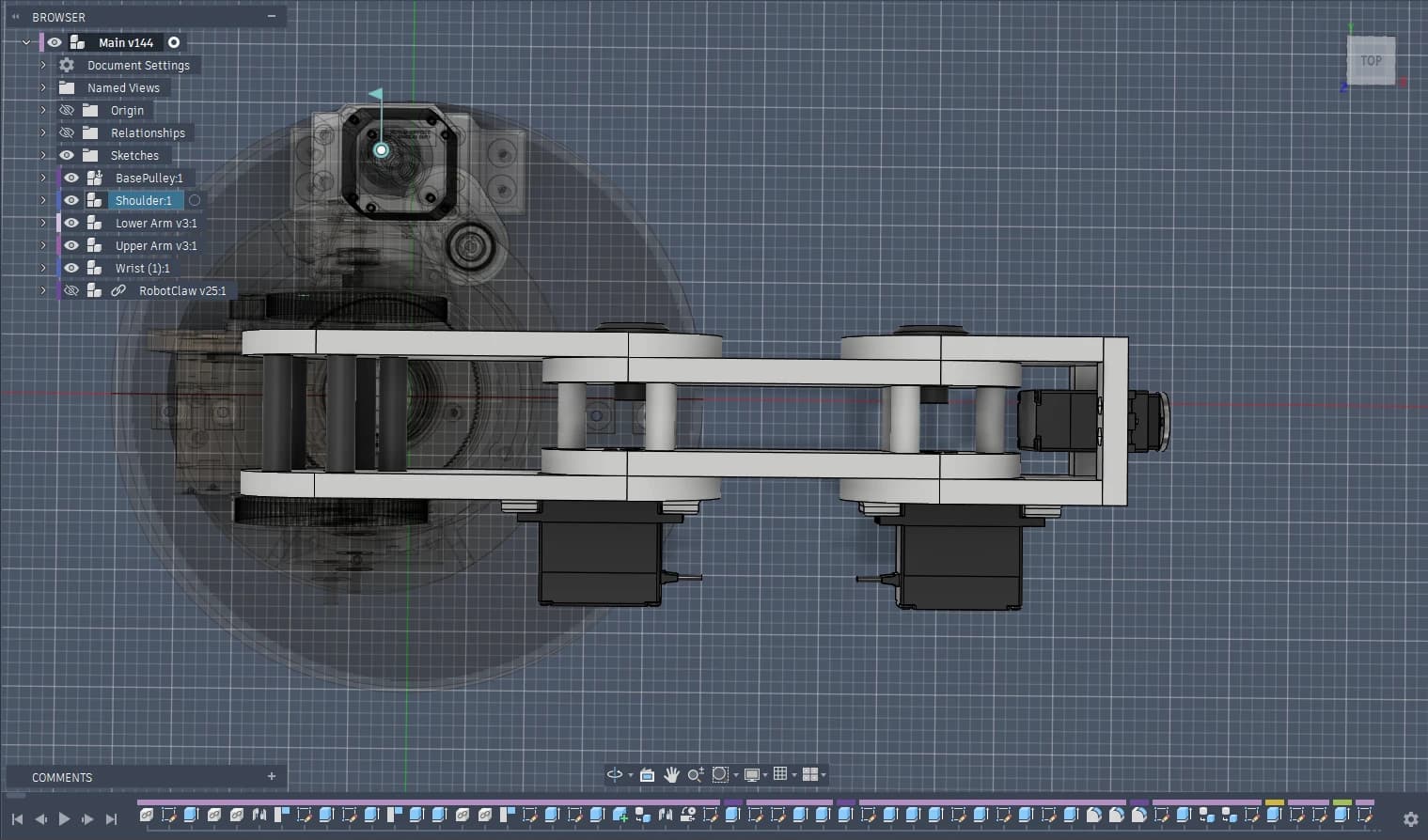
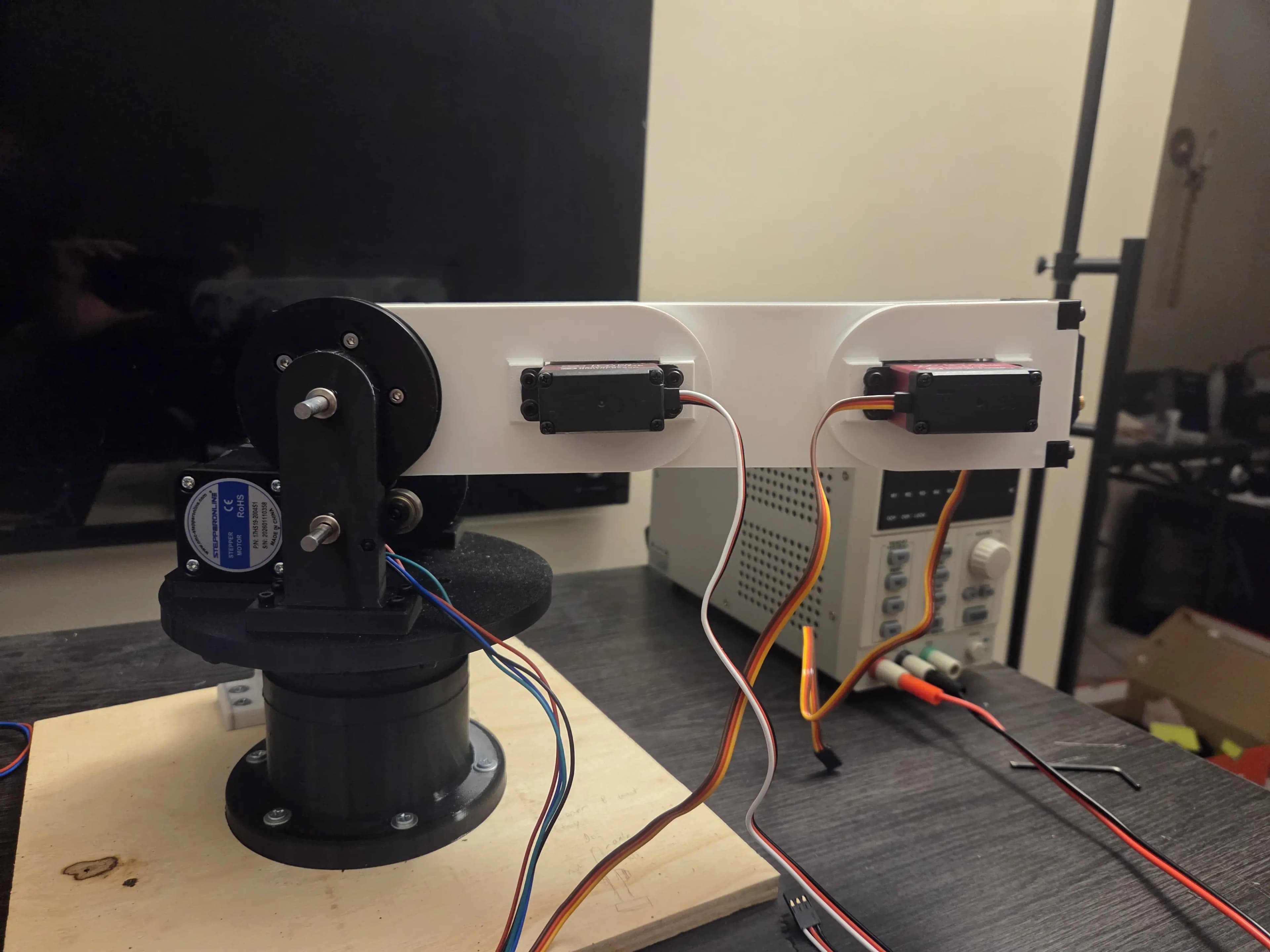
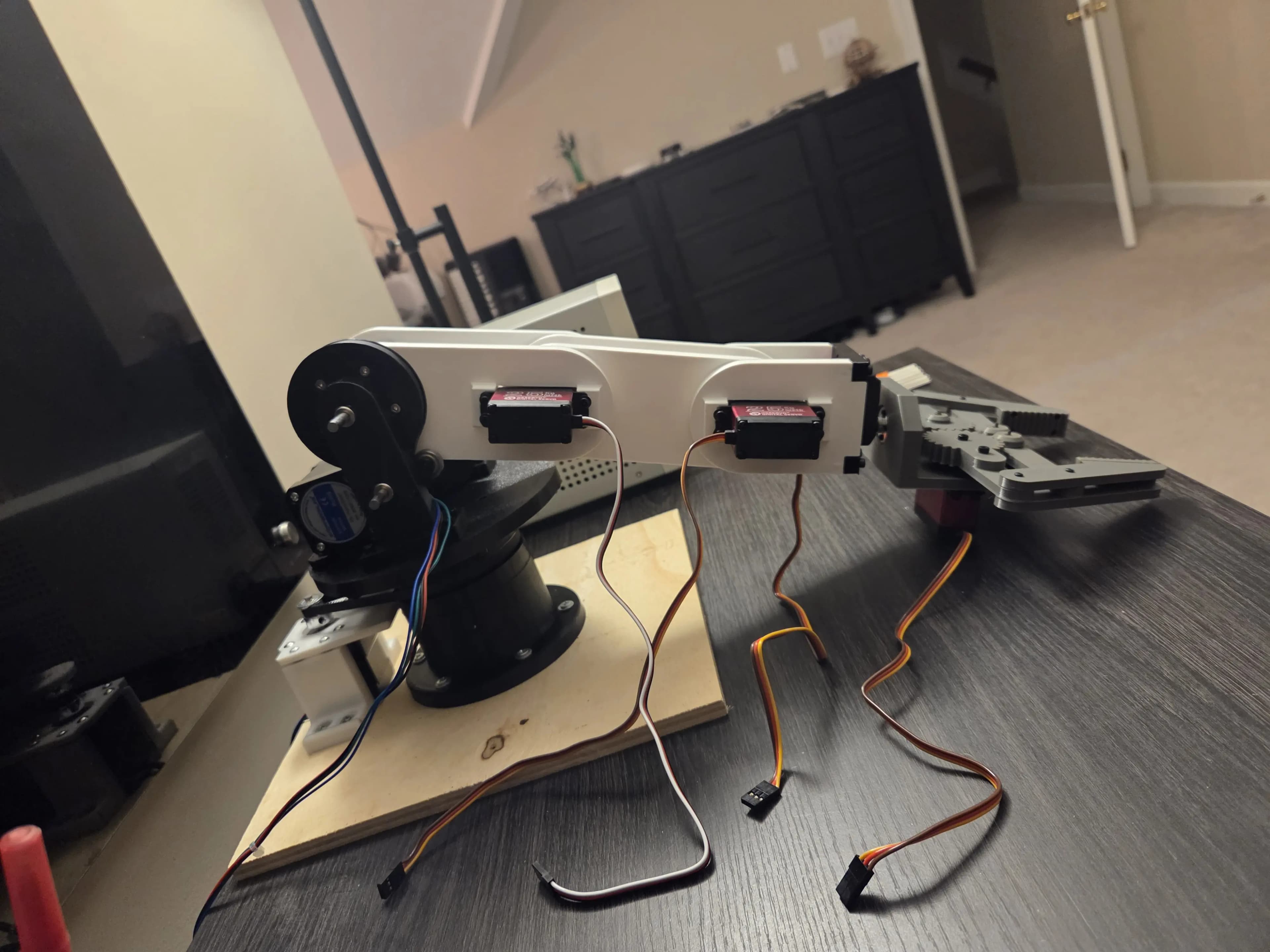
Both of the arm links are fairly straightforward designs. Two servos sit on the lower arm link (1st link) and the wrist (3rd link), and connect to the middle second link. The lower servo has 270deg range, and the upper servo has 180deg range.
Claw
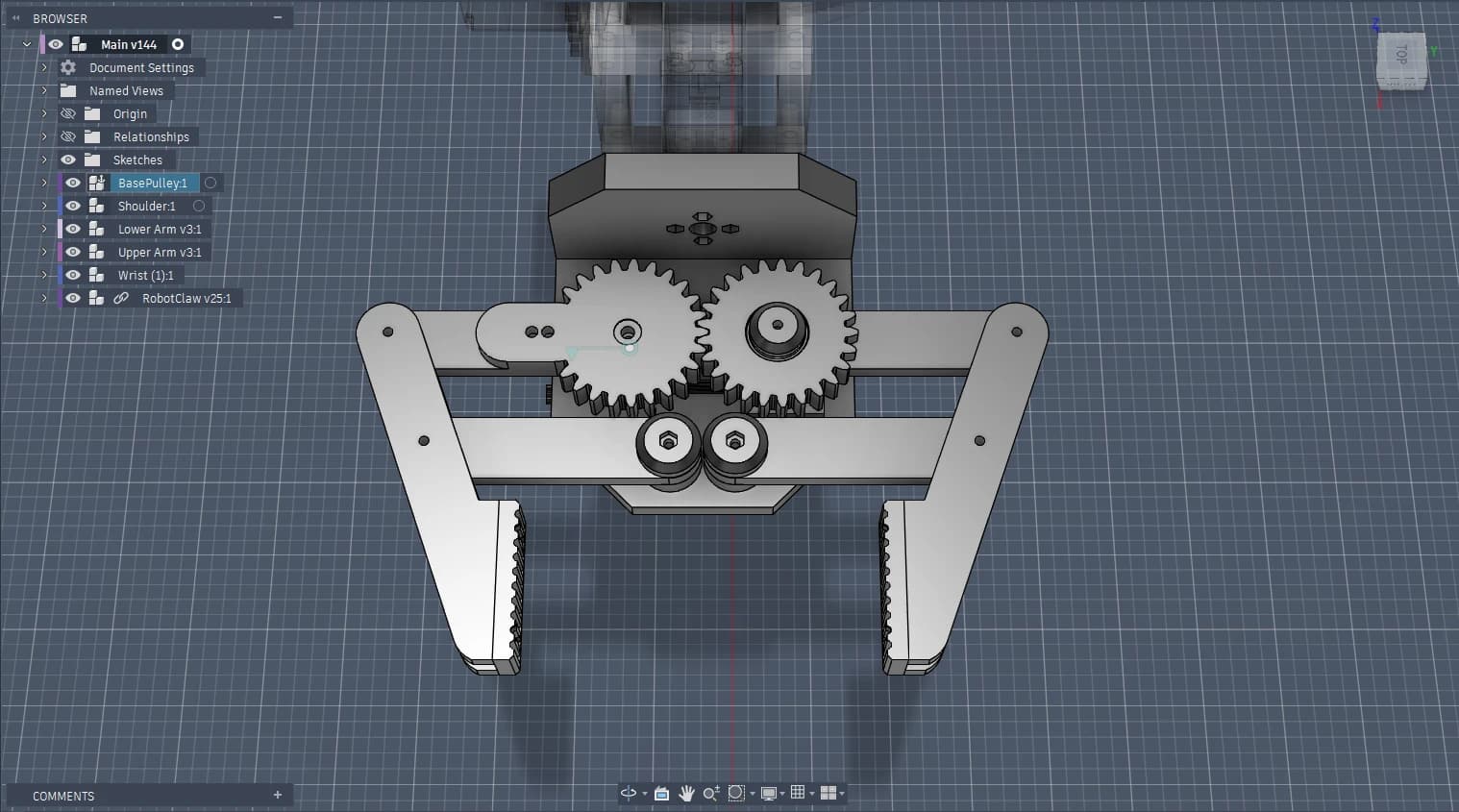
The claw design uses a four-bar linkage design. The two large gears rotate together by a servo underneath. It's a little grayed out in the screenshot, but the claw sits on a servo on the wrist, allowing it to roll.
The Build
The vast majority of the parts were 3D printed. Of course, with the exception of the servos, steppers, scerws, heat-set inserts, ball bearings, shaft collars, 20T pulleys, and 5mm steel rods.
Bambu Lab A1
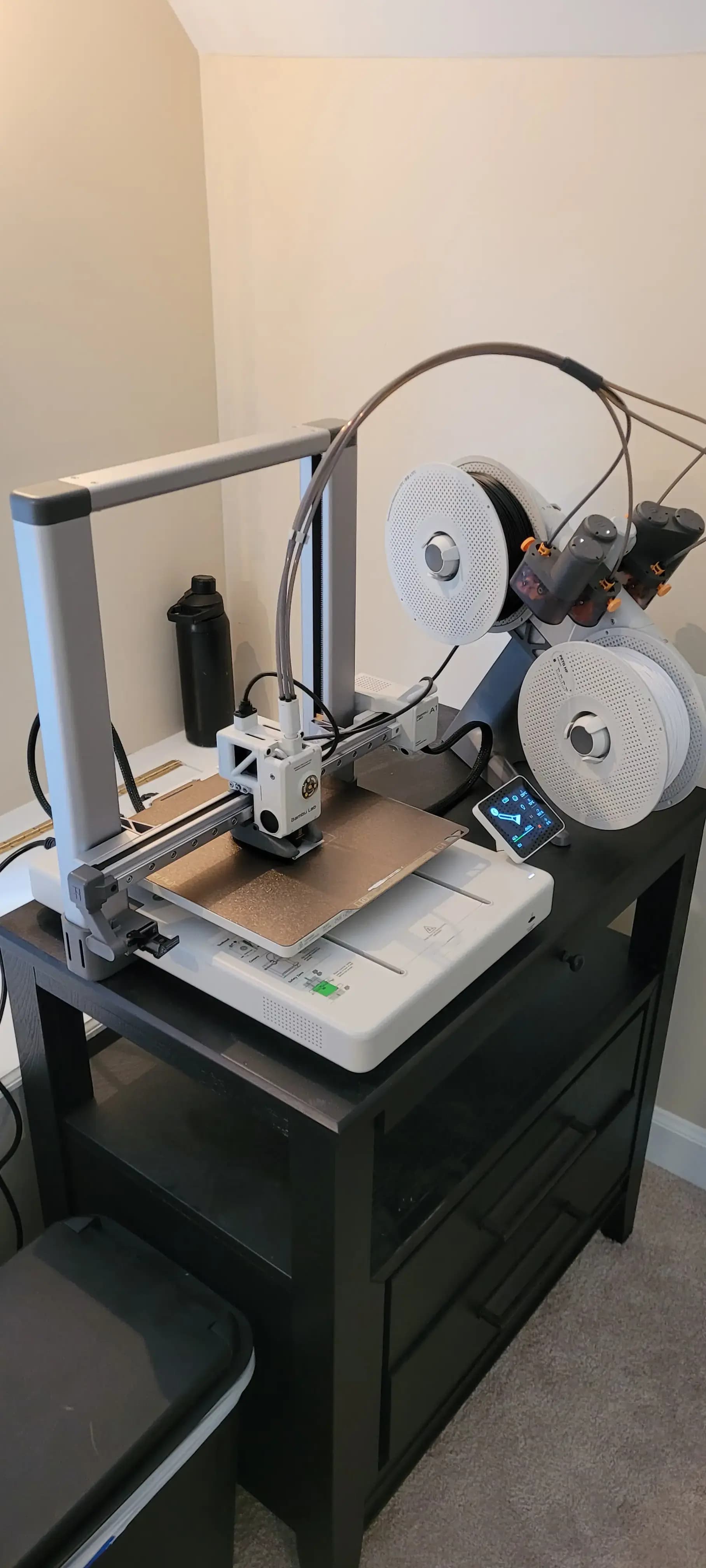
The previous summer I bought a Bambu Lab A1 printer that sits in my room. The printer is super beginner-friendly and fairly low maintenance, which was perfect going in with little experience.
Everything was printed in PETG, and then a soldering iron was used for m2/m3 heat-set brass inserts for screws.
Assembling
Parts were either screwed into inserts or had a nut on the other side. Most parts used M3 screws or M2 for the tiny parts. The timing belts had to be cut to the right length and the ends glued together to form a closed loop.
The Electronics
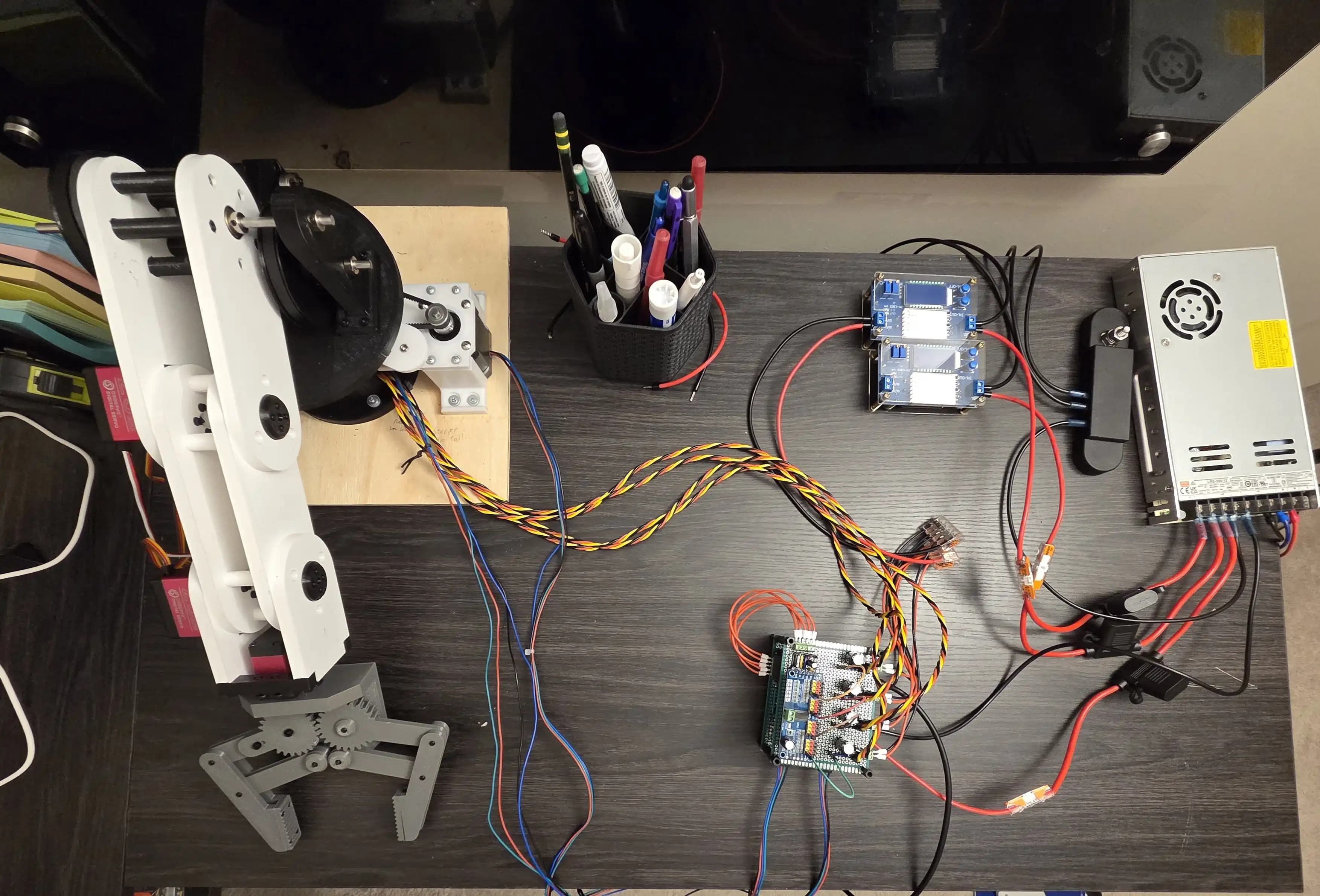
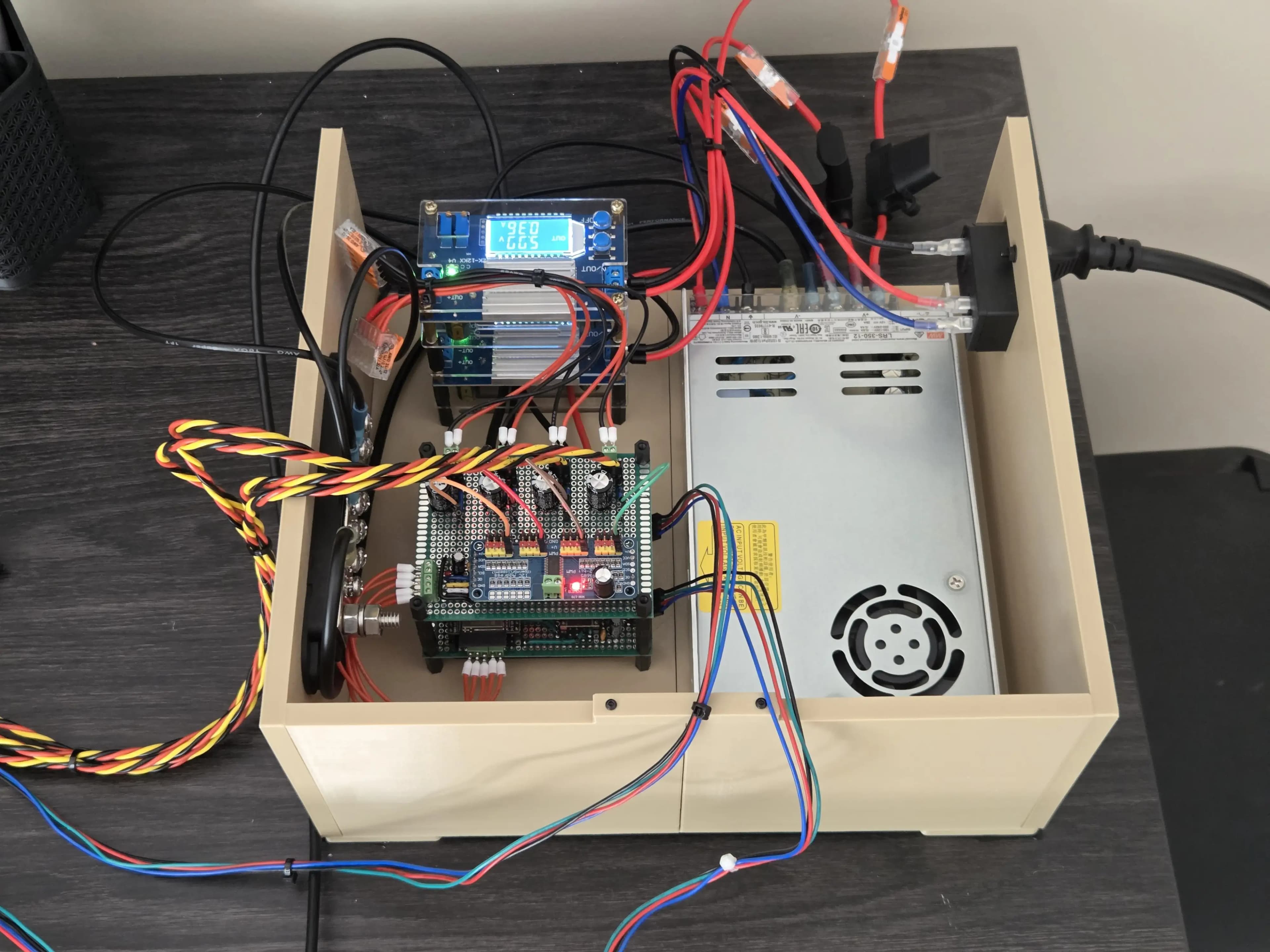
For controlling the robot, I used stepper drivers and servo drivers controlled by an ESP32 microcontroller. To make the design semi-permanent, I used perfboard and a 3D-printed box to contain everything.
Power
The robot arm is powered by an LRS-350-12 which, as its name implies, provides 350W at 12V. The steppers run on 12V, but for the servos, a buck converter brings it down to 6V.
Another buck converter steps it down to 5V to power solely the ESP32. For communication, all parts share a ground plane.
Circuit
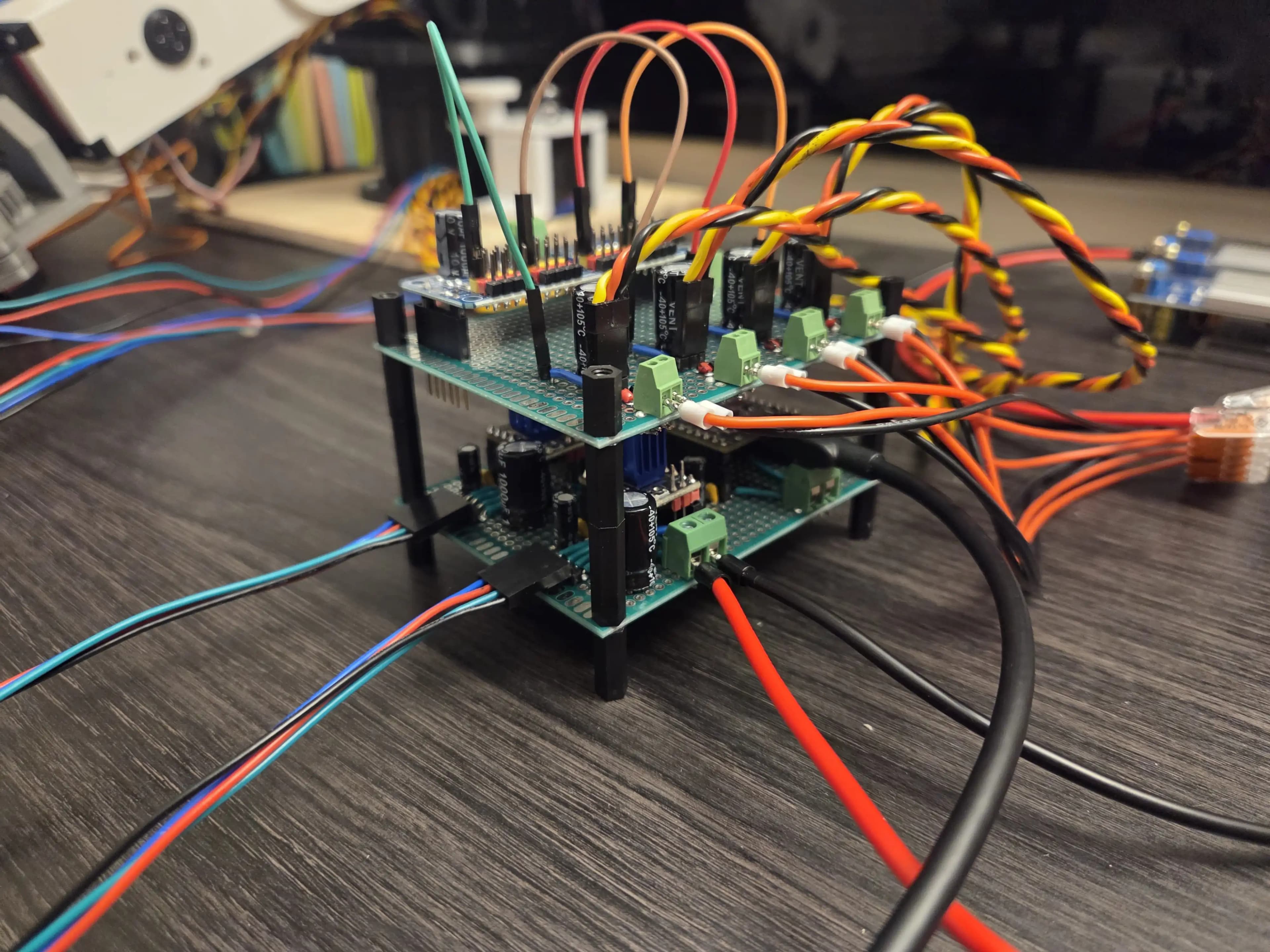
The electronics are two perfboards stacked on each other. On the top is a PCA9685, which controls the servos, and there are also bulk capacitors for the servos' high current spikes.
On the bottom layer are two TMC2209 drivers, which control the stepper motors, and the ESP32, which controls the entire robot.
Enclosure
To help keep things together, I 3D printed a box to mount the circuit, power supply, and switch together.
The Programming
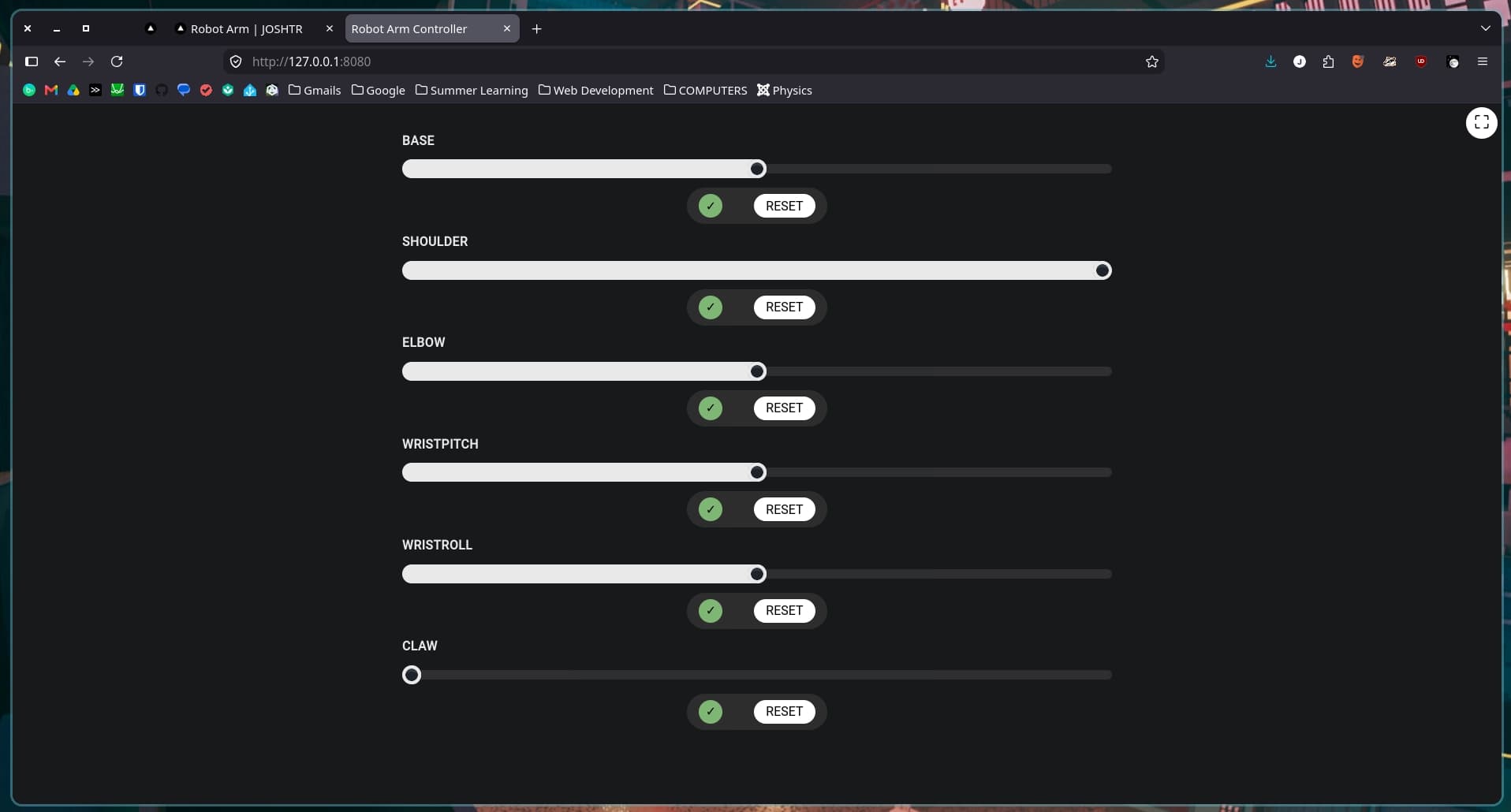
Finally, I made a locally-hosted webapp to control each motor on the arm. The program can be split into three parts: the ESP32s, the NodeJS backend, and the React dashboard.
ESP32s
There are two ESP32. One part of the control circuit (receiver), and another separately connected to a computer/server (sender). The sender ESP32 simply transmits what it receives over Serial to the receiver ESP32 over the ESP-NOW protocol.
For instance, to move the base stepper to position 400 at 1ms intervals with 1 step per interval after a 5ms delay, it would send: {"tgt":"base","int":1,"del":0,"stp":1}
int pos = 0;
bool disable = doc.containsKey("disable");
bool enable = doc.containsKey("enable");
int interval = doc["int"] | 5;
int delay = doc["del"] | 0;
int steps = doc["stp"] | 1;

if (doc.containsKey("pos")) {
	pos = doc["pos"];
} else if (!disable && !enable) {
	Serial.println("Error: No position provided");
	return;
}

const char* targetId = doc["tgt"];
if (targetId == nullptr) {
	Serial.println("Error: Missing target key");
	return;
}

...

target->setTarget(pos, interval, delay, steps);
NodeJS
The ESP32 receives the commands to send from a NodeJS that communicates directly through Serial over USB. The backend also hosts a websockets server and a database. This allows it to receive commands from a browswer dashboard, update other dashboards connected simultaneously, and store the motors' position and states.
For example, the dashboard might want to move base to position 400, so it'll send over websockets to the server: {"base":400}. The server will then populatet interval and steps automatically.
const value = jsonData[key];
if (typeof value === "number") {
	updateDBValue.run(key, value);
	console.log(`  - Logged ${key} in database`);

	const motor = MOTORS[key];
	const jsonPayload = {
		"tgt": key,
		"pos": value,
		"int": motor["interval"],
		"stp": motor["steps"]
	}

	const payload = JSON.stringify(jsonPayload);
	serialPrint(payload);
}
Dashboard
The dashboard is built using React and compiled with Vite. It is a single page consisting of a slider, enable/disable toggle, and reset to starting position button. Because the dashboard is a webapp and keeps a connection to the backend, another device, like a phone, can be used as a controller simultaneously and both dashboards will update in realtime.
The Results
Below are two videos of the robot being controlled. Unfortunately, the quality isn't great because the robot was controlled offscreen by my phone, so this was recorded by my laptop.
Overall, I consider the project a success. There are things that could be improved, however. The overall design is bulkier than it needed to be, the same could've been accomplished with smaller parts. The steppers are pretty slow and because of how the belts are made the belt occasionally slips. The servo on the claw risks burning out when trying to grab things, a different type of servo should have been used or a different type of motor. These are just a few of the improvements that could be made, but despite these, I'm still happy that I was able to get something together.